One shared workspace for your team’s AI work.
Relay captures the AI outputs your team already creates, keeps the source tool and author attached, and gives everyone one place to review, approve, and synthesize them into finished deliverables. Here’s how the whole loop works.
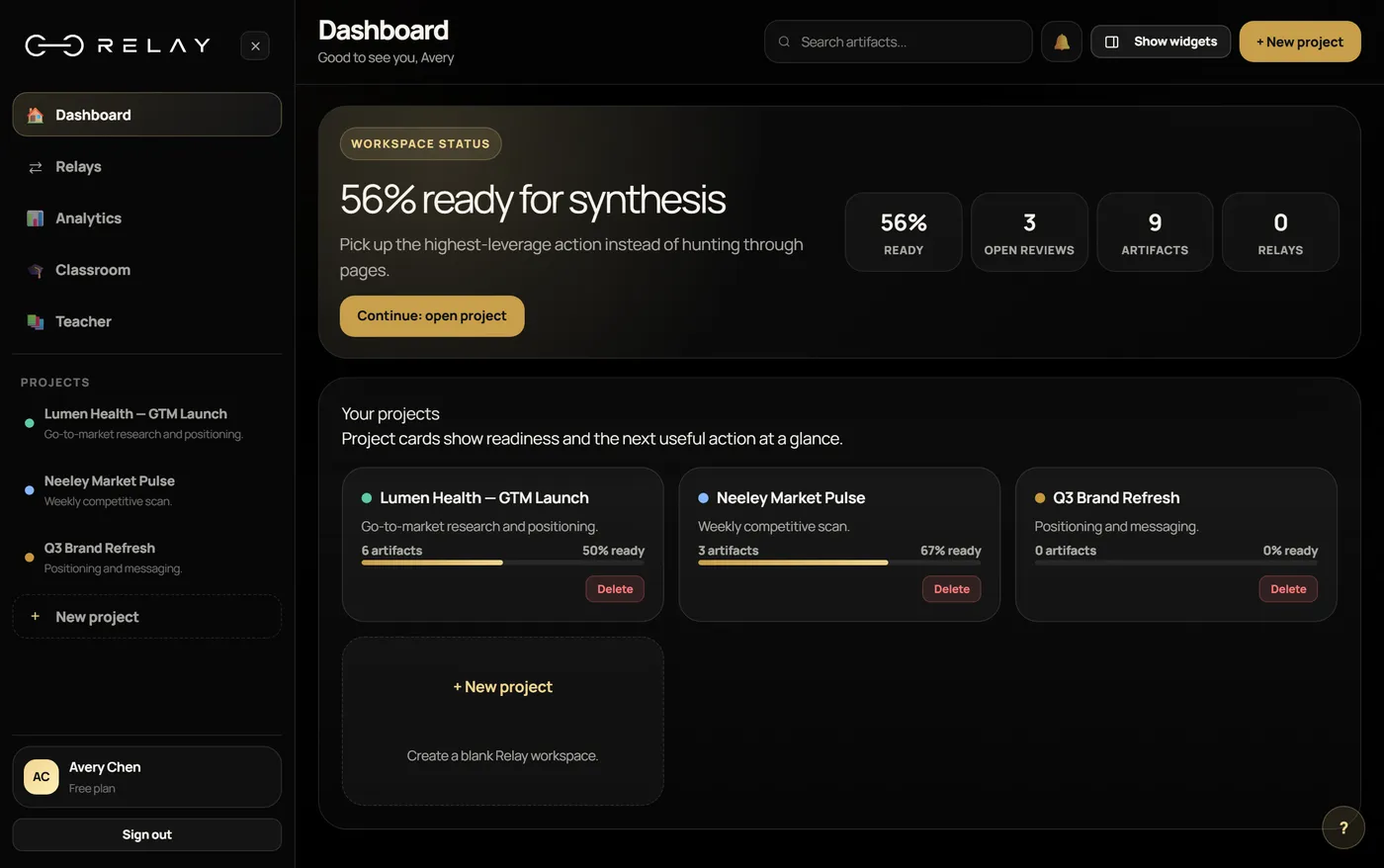
Capture, review, synthesize.
One loop that turns raw AI output into finished, accountable work.
Save AI outputs with the source tool, the author, and a review status attached to each one.
Assign, comment, approve or reject, and see each artifact’s current review status at a glance.
Combine the approved artifacts into one finished deliverable, ready to download or share.
The actual product, not a mockup.
Real screens from the Relay workspace, step by step.
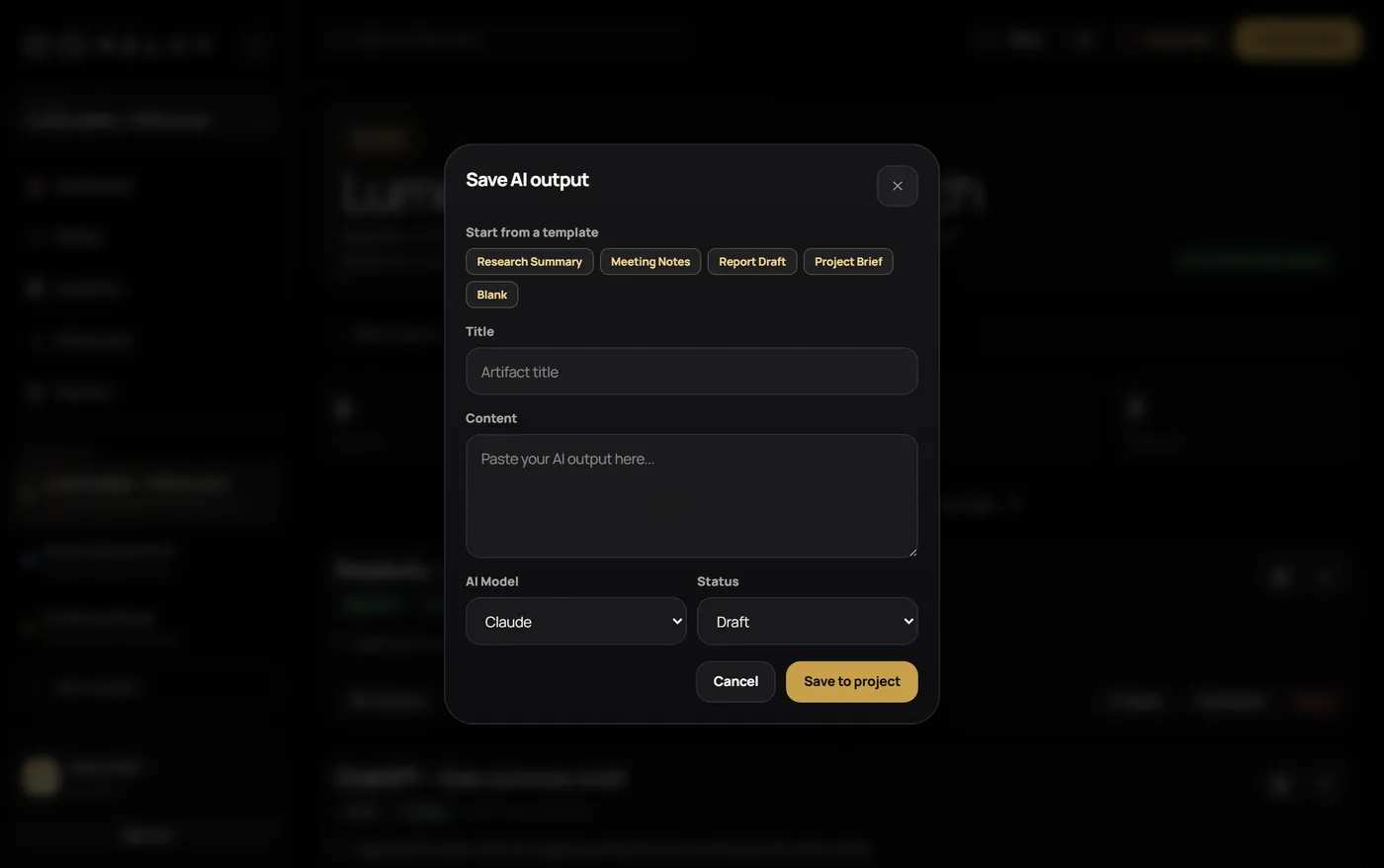
Capture AI work without losing the context
Save an output and Relay keeps the source tool, the author, and a review status attached to it. Bring in work from ChatGPT, Claude, Perplexity, or any other AI tool you can copy from. Every saved item becomes an “artifact” your team can track from capture all the way to the final deliverable.
Nothing gets lost between tools or teammates.
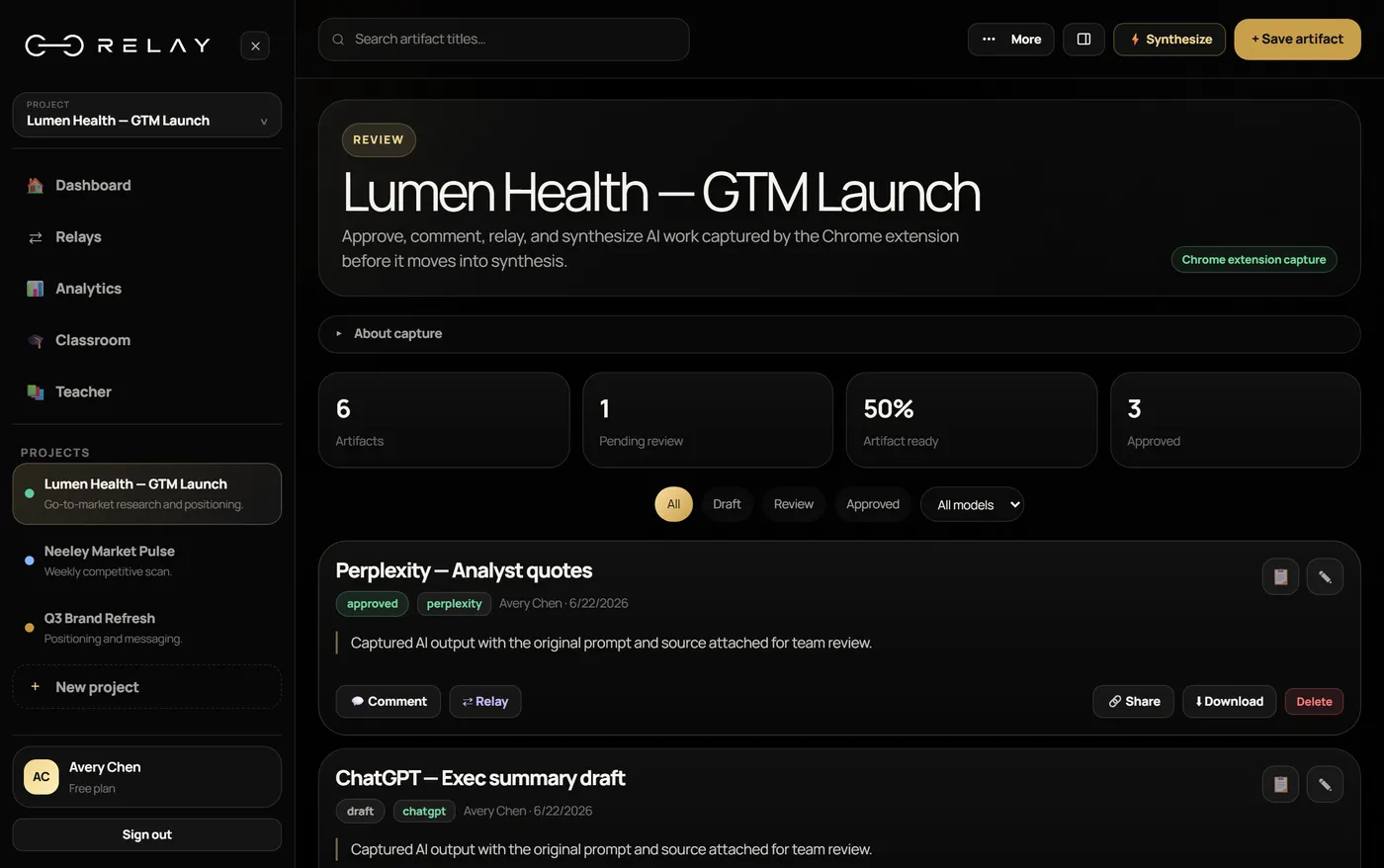
Review and approve as a team
Assign artifacts to the right person, leave comments, and approve or reject each one, with every item’s current review status visible at a glance. Hand work off to a teammate without losing the response or its source, so reviewers can see where a result came from.
Every item shows where it stands before anything becomes final.
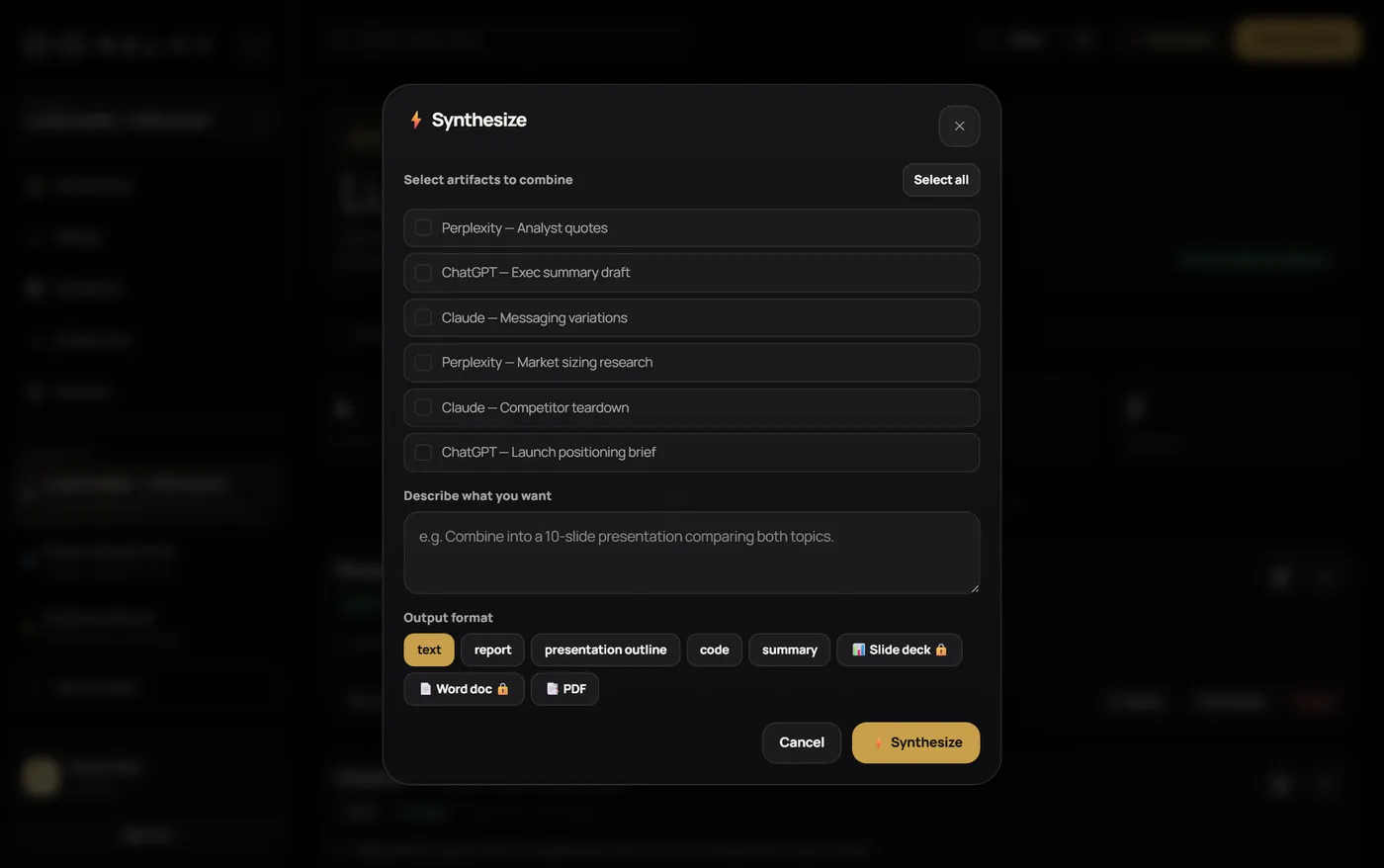
Synthesize the finished deliverable
Select the approved artifacts and combine them into one finished output. Download it as a PDF, PowerPoint, or text file, or sync to Google Drive, the available formats depend on your plan. The result is a single reviewed deliverable instead of a pile of disconnected chat logs.
One reviewed deliverable, built from approved work.
Connect your AI assistant directly.
Relay’s MCP server connects to Claude and other MCP-compatible AI assistants, so they can list your projects and save work into one as a draft for you to review, right from the conversation.
Built for how you work.
Built for teams who need a record, not just an answer.
Every saved output keeps its source tool, its author, and its current review status. Relay stores your data with Supabase, and inside Relay, access is scoped to the people you invite. See Supabase’s security page.
Everything needed to turn AI work into finished work.
Save outputs from ChatGPT, Claude, Perplexity, or any other AI tool into one team project.
Comment, approve, reject, and keep decision status visible before anything becomes final.
Assign artifacts and send context to the right person without losing the response or its source.
Combine approved work and your instructions into final deliverables.
Each artifact keeps its source tool, its author, its comments, and its current review status.
MCP-connected AI assistants, Drive sync, downloads, and workspace review live in one focused loop.
Built on Supabase’s infrastructure.
Relay stores your data with Supabase (database, sign-in, and file storage), and the app itself is hosted on Vercel. See Supabase’s security page for how they secure their infrastructure. Relay does not train AI models on the content you save.
Start small, scale to teams or classrooms.
Every plan runs the same capture-review-synthesize loop: pick the size that fits, upgrade as you grow.
forever
- 5 syntheses/month
- 1 project
- PDF & text downloads
per month
- 50 syntheses/month
- 5 projects
- Google Drive sync
per month
- 100 syntheses/month
- Up to 5 teammates
- Priority support
per month
- 200 syntheses/month
- Up to 15 teammates
- Up to 10 scheduled syntheses
per student / year
per student/yr, by enrollment- Site license, per student
- Rate drops as enrollment grows
- Teachers are included
Talk to us
- Seats scoped with our team
- Custom pricing for your organization
- Priority onboarding
Which AI tools does Relay work with?
Relay works with any AI tool you can copy from, and connects directly to MCP-compatible AI assistants, like Claude, so they can list your projects and save work into them as drafts for you to review. Anything else you save by hand, with the author and review status kept.
What is an “artifact”?
An artifact is a saved piece of AI work, the output plus its source, author, review status, and comments, that your team can track from capture through to the final deliverable.
Is my data secure?
Relay’s database, sign-in, and file storage run on Supabase, and the app itself is hosted on Vercel. See Supabase’s own security page for how they secure their infrastructure. Relay does not train AI models on the content you save.
Do you use my content to train AI models?
Relay does not train AI models on your content. To produce syntheses and run verification, the content involved is sent to the AI model providers Relay uses (Anthropic, OpenAI, and Google). Inside Relay, your content is visible to you and the teammates you invite, plus anyone you give a share link to.
What can I export?
Approved work can be synthesized into finished documents, presentations, and PDFs. Available formats vary by plan.
How does pricing work?
Plans scale as your team grows. Education is a site license, priced per student per year, set up with our team rather than self-serve checkout. See the pricing page for current plans.
Can I use Relay with my class or district?
Yes. Relay has teacher and classroom workflows with rosters and review built in. Education plans are arranged through our team.
See Relay with your own workflow.
Start a shared Relay workspace, or book a walkthrough with the team.